
GoHighLevel is one of those platforms that can completely change the way a business manages leads, customers, and marketing.
But here’s something I’ve noticed after working with businesses that use it.
Many people don’t get the results they expected, not because GoHighLevel is difficult or missing features, but because the setup wasn’t done properly from the start.
Some businesses try to build everything on day one. Others jump straight into automations before organizing their CRM. I’ve also seen accounts filled with workflows that were never planned or tested before going live.
The outcome is usually the same. Leads don’t receive the right follow-ups, appointments get missed, workflows become difficult to manage, and teams end up doing more manual work instead of less.
The good news is that almost all of these problems can be avoided.
A little planning at the beginning can save hours of troubleshooting later. GoHighLevel isn’t a platform you need to master overnight. The businesses that see the best results usually start with a solid foundation, build one process at a time, and improve it as their business grows.
In fact, the businesses that get the best results usually start small, build one process at a time, and improve it as they grow.
In this guide, we’ll look at 10 of the most common GoHighLevel mistakes businesses make and, more importantly, how you can avoid them.
Whether you’re setting up a brand-new account or improving an existing one, these tips will help you build a cleaner, more organized system that actually works the way it’s supposed to.
What You’ll Discover
- Most GoHighLevel problems come from the way the platform is set up, not from the platform itself.
- Taking time to organize your CRM and workflows early makes everything easier as your business grows.
- Automation should make daily work simpler, not create more confusion.
- Small improvements made consistently often produce better results than trying to build everything at once.
- Testing your workflows before using them with real customers can prevent costly mistakes.
- A clear plan helps teams work faster and keeps customer communication consistent.
- Regular reviews and updates keep your GoHighLevel account running smoothly as your business changes.
Before we go through the 10 most common mistakes, let’s first understand why so many businesses struggle with GoHighLevel during the early stages.
Before we go through the 10 most common mistakes, let’s first understand why so many businesses struggle with GoHighLevel during the early stages.
Why Businesses Struggle With GoHighLevel

It’s easy to understand why so many businesses get excited about GoHighLevel. It brings CRM, automation, funnels, websites, calendars, email marketing, SMS, reporting, and many other tools into one platform. That’s exactly what makes it valuable. But it’s also what makes the first few weeks challenging for new users. Many businesses expect everything to work perfectly the moment they log in. The reality is that GoHighLevel is a platform you build around your business. The better your setup, the better your results.
Let’s look at some of the most common reasons businesses run into problems.
It’s an All-in-One Platform
Most software focuses on one job. GoHighLevel does many things.
Because so many features are available in one place, new users often aren’t sure where to begin. Instead of learning one part of the platform first, they try to learn everything at once. That usually leads to confusion.
Too Many Features at Once
When you first open GoHighLevel, you’ll see a long list of tools and settings.
It’s tempting to click through everything and start building immediately. But doing too much too soon often creates unnecessary complexity. The best approach is to focus on one feature at a time and build confidence as you go.
No Clear Implementation Plan
One of the biggest mistakes businesses make is starting without a plan.
Before creating workflows or funnels, it’s important to answer a few simple questions.
- How do leads enter the business?
- Who follows up?
- When should appointments be booked?
- What happens after a sale?
When these steps are mapped out first, building GoHighLevel becomes much easier.
Lack of Training
GoHighLevel is designed to be flexible. That flexibility is one of its biggest strengths, but it also means every business uses it a little differently. Without spending time learning the platform, it’s easy to overlook useful features or create workflows that don’t fit your business process. Even a little training can make a big difference.
Trying to Automate Everything Immediately
Automation is one of the best parts of GoHighLevel. But it doesn’t need to happen all at once.
Some businesses try to automate every email, text message, reminder, and customer interaction before they even have their CRM organized. This often leads to duplicate messages, broken workflows, and unnecessary confusion. A better approach is to start with one simple automation.
Test it.
Make sure it works. Then build the next one. Over time, you’ll have a reliable system that’s much easier to manage and improve.
Now that we’ve looked at why businesses often struggle with GoHighLevel, let’s go through the 10 most common mistakes and the simple steps you can take to avoid them.
Common GoHighLevel Mistakes and How to Avoid Them
1. Trying to Use Every Feature on Day One
GoHighLevel includes a lot of tools, and it’s easy to feel like you need to set up everything immediately. Many new users start building funnels, workflows, websites, and automations all at once. This usually leads to confusion and unnecessary mistakes.
How to avoid it: Start with the basics. Set up your CRM, build a simple pipeline, and create one automation at a time. Once those are working well, move on to the next feature.
2. Skipping CRM Setup
Your CRM is the foundation of everything inside GoHighLevel. If your contacts aren’t organized properly, your automations and follow-ups won’t work as expected.
Common problems include:
- Missing custom fields
- Poor contact organization
- No tagging strategy
How to avoid it: Spend time setting up your CRM before creating automations. Organize contacts, create custom fields, and use tags consistently.
3. Building Automations Without Planning
Automation saves time, but only when it’s built with a clear purpose. Creating too many workflows without a plan often results in duplicate messages, conflicting triggers, and workflows that are difficult to manage.
How to avoid it: Map out your customer journey before building any workflow. Know what triggers it, what actions should happen, and when it should end. Keeping workflows simple makes them easier to maintain.
4. Not Following Up With Leads Quickly
A slow response can cost you a customer. If someone fills out a form or requests information, they usually expect a reply within minutes, not hours.
A better approach:
- Send an instant email
- Trigger an SMS
- Notify your sales team
- Use AI to handle initial conversations
The faster you respond, the better your chances of turning a lead into a customer.
5. Ignoring Sales Pipelines
Without a sales pipeline, it’s difficult to know where each lead stands. Opportunities get missed, follow-ups are delayed, and reporting becomes unreliable.
How to avoid it: Create stages that match your sales process, such as New Lead, Contacted, Qualified, Proposal Sent, and Won. Keep every opportunity updated so your team always knows what to do next.
6. Creating Complicated Funnels
Many businesses believe adding more pages and forms will improve conversions. In reality, complicated funnels often confuse visitors and reduce conversion rates.
How to avoid it: Keep your funnels simple. Focus on one goal per funnel, reduce unnecessary steps, and make it easy for visitors to take action.
7. Not Using AI Features
Many businesses overlook GoHighLevel’s AI capabilities, even though they can save time and improve customer communication.
Useful AI features include:
- AI Voice Agents
- AI Chat
- AI Appointment Booking
- AI Lead Qualification
How to avoid it: Start with one AI feature that solves a real business problem. As you become comfortable, add more AI tools to support your team.
8. Forgetting to Test Automations
One of the easiest mistakes to make is assuming a workflow works without testing it. A small error can stop emails, send duplicate messages, or trigger the wrong automation.
Testing checklist:
- Submit a test form
- Check emails and SMS
- Verify triggers
- Review workflow timing
- Confirm notifications
A few minutes of testing can prevent hours of troubleshooting later.
9. Not Tracking Results
Many businesses build funnels and automations but never check how they’re performing. Without data, it’s impossible to know what’s working.
Track important metrics such as:
- Lead conversions
- Appointment bookings
- Email performance
- Sales pipeline progress
- Return on investment
Reviewing these numbers regularly helps you make better business decisions.
10. Trying to Do Everything Alone
GoHighLevel has a learning curve, and there’s nothing wrong with asking for help. Trying to figure out every feature on your own can slow progress and lead to costly setup mistakes.
When to get professional help:
If you’re unsure about automation, CRM setup, AI tools, or workflow planning, working with an experienced GoHighLevel specialist can save time and help you avoid problems before they happen.
The good news is that every one of these mistakes is preventable. By starting with a solid foundation, keeping your setup simple, and improving it over time, you’ll get far more value from GoHighLevel and create a system that supports your business as it grows.
Signs Your GoHighLevel Setup Needs Improvement
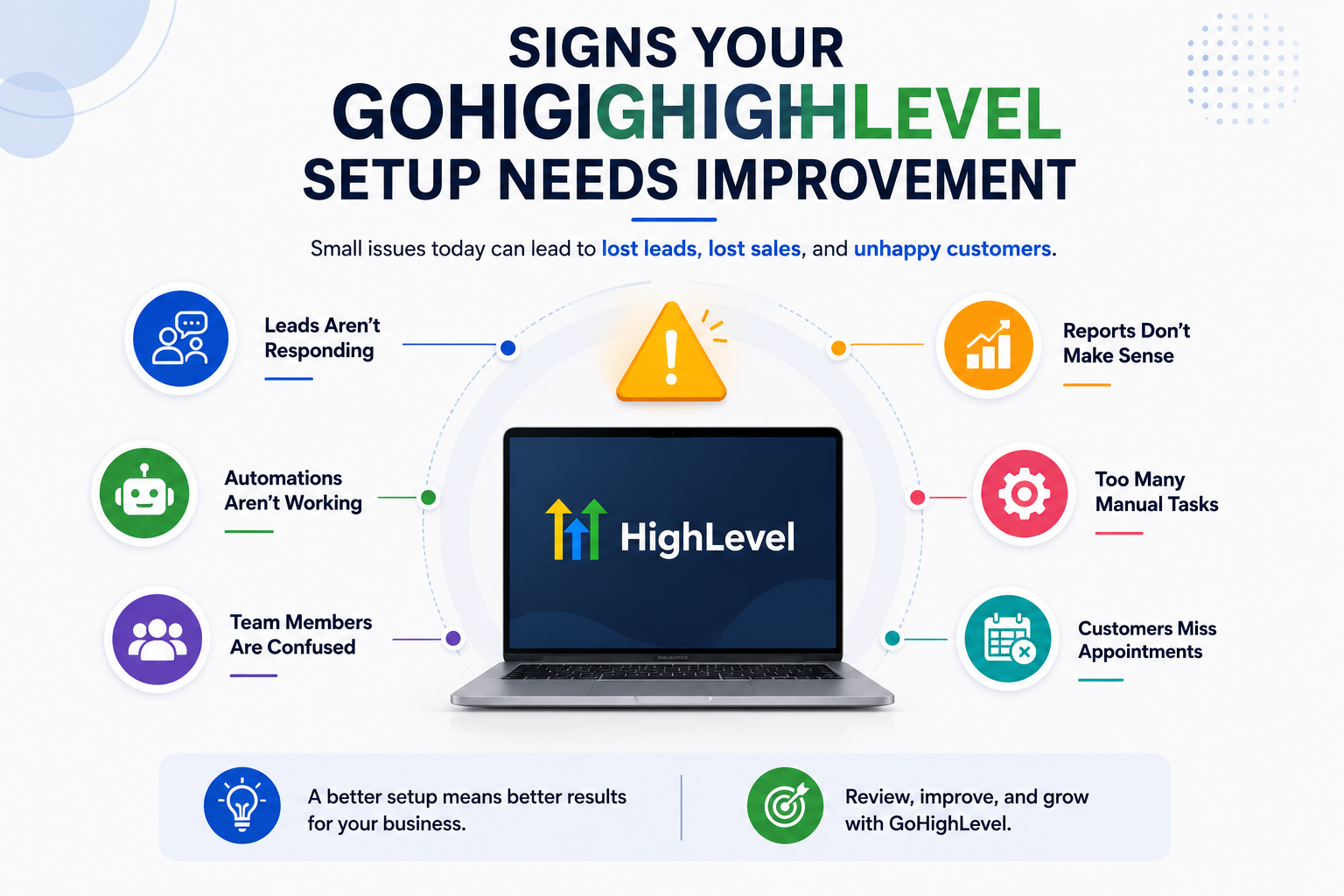
Not sure if your GoHighLevel account is set up the right way?
Sometimes the signs are easy to spot. Other times, small issues build up over time and start affecting your sales, customer experience, and daily operations. If you notice any of the following, it may be time to review your setup.
1. Leads Aren’t Responding
If new leads aren’t replying to your emails, text messages, or calls, your follow-up process may need improvement. Check your automations, messaging, and response times.
2. Automations Aren’t Working Correctly
Messages not sending, workflows stopping halfway, or customers receiving duplicate emails are all signs that your automations need attention.
3. Team Members Are Confused
If your team isn’t sure where leads are, which workflow is running, or what the next step should be, your CRM and processes may not be organized properly.
4. Reports Don’t Make Sense
Reports should help you make better decisions. If the numbers seem inaccurate or difficult to understand, it’s worth checking your pipelines, tracking, and reporting settings.
5. Too Many Manual Tasks
GoHighLevel is designed to reduce repetitive work. If your team is still manually sending reminders, updating contacts, or following up with every lead, you’re probably not using automation effectively.
6. Customers Miss Appointments
Frequent no-shows often point to missing confirmation emails or reminder messages. Setting up automated reminders can make a big difference.
Best Practices for a Successful GoHighLevel Setup
A successful GoHighLevel account doesn’t happen overnight. It’s built step by step with a clear plan.
Here are a few simple practices that can help you get better results.
1. Start Small
Don’t try to build everything at once. Focus on your CRM, pipeline, and one or two key automations before adding more features.
2. Build One Automation at a Time
Test each workflow before creating the next one. This makes it much easier to identify and fix problems if something goes wrong.
3. Organize Your CRM
Use custom fields, tags, and clear contact information. A well-organized CRM makes every other feature inside GoHighLevel work more effectively.
4. Test Before Going Live
Always test forms, emails, SMS messages, calendars, and workflows before using them with real customers.
5. Review Reports Regularly
Take time to review your reports every week or month. Tracking your results helps you spot problems early and improve performance over time.
6. Keep Improving
Your business will change, and your GoHighLevel setup should grow with it. Review your workflows regularly and make small improvements whenever needed.
Common Questions About GoHighLevel Mistakes
What is the biggest mistake people make with GoHighLevel?
Why aren’t my GoHighLevel automations working?
Should I use every GoHighLevel feature?
How long does it take to learn GoHighLevel?
Can GoHighLevel replace multiple software tools?
Is professional setup worth it?
How often should I review my workflows?
Can AI improve my GoHighLevel setup?
Final Thoughts
GoHighLevel gives businesses everything they need to manage leads, automate communication, and organize their sales process. But like any powerful platform, the results depend on how well it’s set up. The good news is that the mistakes we’ve covered in this guide are all preventable.
By taking a step-by-step approach, organizing your CRM, testing your workflows, and improving your setup over time, you’ll avoid many of the problems that frustrate new users. Remember, you don’t need to build everything on day one.
Start with the essentials, make sure they’re working properly, and expand as your business grows.
A well-organized GoHighLevel account doesn’t just save time. It helps your team work more efficiently, creates a better experience for your customers, and gives your business a stronger foundation for long-term growth.
Need Help Setting Up GoHighLevel the Right Way?
Many businesses don’t struggle because GoHighLevel is difficult—they struggle because no one shows them how to set it up properly.
At Highlevel AI Automation, we help businesses build GoHighLevel systems that are organized, easy to manage, and designed around the way they actually work.
Our team can help with:
- CRM setup
- Sales pipelines
- Automation workflows
- AI voice agents and chatbots
- Funnels and websites
- Calendar setup
- Reporting and optimization
Whether you’re starting from scratch or fixing an existing account, we’ll help you avoid common mistakes and get more value from your GoHighLevel investment.