
Running a service business means wearing a lot of hats. You’re responding to new leads, scheduling appointments, sending follow-ups, answering customer questions, collecting reviews, and keeping track of every stage of the customer journey. At first, these tasks may seem manageable, but as your business grows, they quickly become repetitive and time-consuming.
The biggest challenge isn’t usually the work itself, it’s trying to keep up with everything manually. A missed follow-up, a forgotten appointment reminder, or a delayed response can mean losing a customer who was ready to do business with you.
That’s why automation has become an essential part of running a modern service business. Instead of spending hours on repetitive tasks, businesses can automate routine processes while ensuring every customer receives timely and consistent communication.
GoHighLevel makes this possible through powerful Automations. Whether you want to welcome new leads, send appointment reminders, follow up after a service, or request customer reviews, Automations allow you to build these processes once and let them run automatically in the background.
One of the biggest advantages of the platform is its wide range of GoHighLevel Features, which help service businesses manage marketing, sales, and customer communication from one place.
In this guide, we’ll explore the GoHighLevel Automations that every service business should consider automating. You’ll learn how Automations work, why they matter, and which automations can help you save time, improve customer communication, and create a more efficient business.
If you’re still learning What is GoHighLevel, it’s worth understanding how automation fits into the platform before building your first system.
What You’ll Discover
In this guide, you’ll learn:
- What GoHighLevel Automations are and how they work.
- The most valuable automations every service business should set up.
- Real-world examples of business automation in action.
- Common automation mistakes and how to avoid them.
- Practical tips for building automations that save time and improve efficiency.
Let’s begin by understanding how GoHighLevel Automations work and why they’ve become an essential tool for modern service businesses.
What Are GoHighLevel Automations?
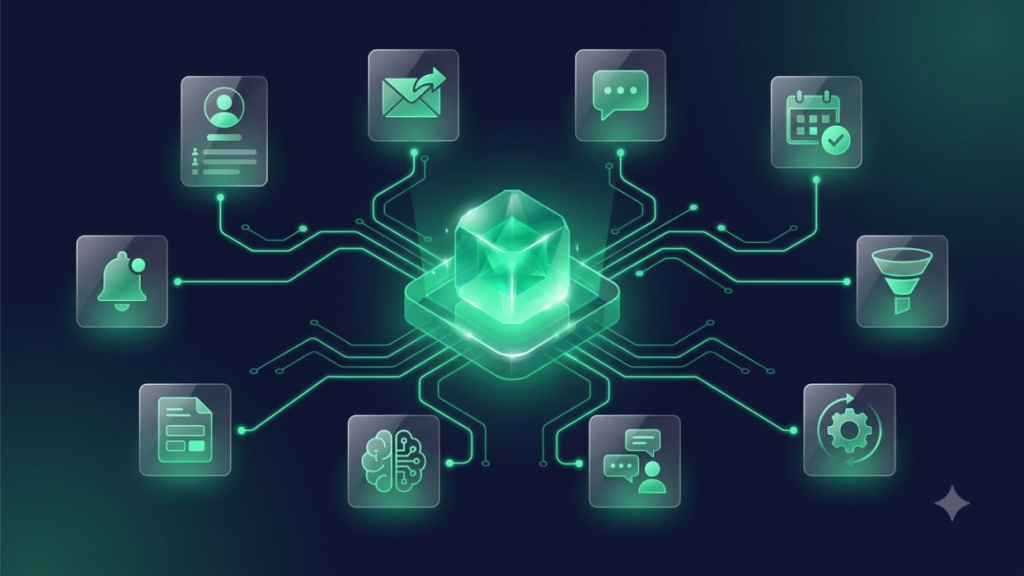
GoHighLevel Automations are automated sequences that perform specific actions when certain events occur. Instead of completing repetitive tasks manually, Automations handle them automatically based on rules you define.
Think of Automation as a digital assistant that works behind the scenes. When something happens—such as a customer submitting a form or booking an appointment—the Automation immediately carries out the next steps without requiring anyone on your team to intervene.
Let’s look at the key building blocks that make every Automation work.
Understanding Automation Automation
Triggers
A trigger is the event that starts an Automation. For example, submitting a contact form, booking an appointment, receiving a payment, or adding a tag to a contact can all trigger an automation.
Conditions
Conditions help the Automation decide what should happen next. For instance, you may want different follow-up messages for new leads, existing customers, or contacts in different pipeline stages.
Actions
Actions are the tasks performed automatically after a trigger occurs. These can include sending emails, text messages, creating tasks, updating pipeline stages, assigning team members, or adding tags.
Delays
Delays control the timing of your Automation. Instead of sending every message immediately, you can wait for a few hours or several days before the next action takes place.
Goals
Goals help determine when an Automation should end or move a contact to another stage. For example, if a lead books an appointment, the remaining nurturing emails can automatically stop and the customer can enter a new Automation.
Why Automations Matter
Automation isn’t just about saving time—it’s about creating a better experience for both your team and your customers.
Save Time
By automating repetitive tasks, your team can spend less time on routine administration and more time serving customers and growing the business.
Reduce Manual Work
Tasks like sending confirmations, updating records, assigning leads, and scheduling follow-ups happen automatically, reducing the chance of human error.
Faster Responses
Customers expect quick replies. Automations help businesses respond immediately to inquiries, improving engagement and increasing the likelihood of converting leads.
Better Customer Experience
Consistent communication keeps customers informed throughout their journey, from the first inquiry to completed services and future follow-ups.
Consistent Follow-Up
One of the biggest advantages of Automations is ensuring that every lead receives the right message at the right time. Consistent follow-up helps businesses build trust, strengthen relationships, and reduce missed opportunities.
Before You Build Your First Automation
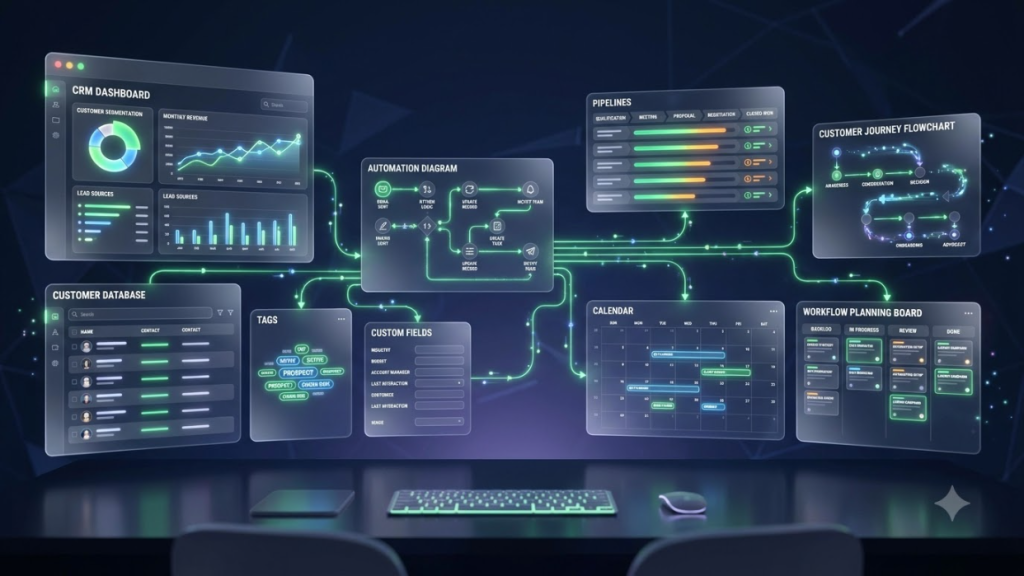
Before creating automations, it’s worth spending a little time preparing your account. A well-organized CRM and a clear understanding of your customer journey make Automations much easier to build and maintain.
Organize Your CRM
Your CRM is the foundation of every Automation. Keeping it organized ensures that automations run smoothly and customer information stays accurate.
Contacts
Make sure your contacts are complete, up to date, and free from duplicate records before creating new Automations.
Tags
Use tags to group contacts based on interests, services, lead sources, or customer status. This makes it easier to trigger targeted automations.
Custom Fields
Create custom fields for the information your business regularly collects, such as service type, preferred location, or appointment details.
Pipelines
Set up your sales pipeline so leads move through clearly defined stages. This allows Automations to react automatically when opportunities progress.
Define Your Customer Journey
Before building Automations, map out the typical path your customers follow. This helps you identify where automation can improve communication and reduce manual work.
New Lead
A potential customer submits a form, calls your business, or sends an inquiry.
Qualified Lead
The lead meets your business requirements and is ready for further follow-up.
Appointment
The customer schedules a consultation, meeting, or service.
Proposal
A quote, estimate, or proposal is sent for review.
Customer
The customer accepts the proposal or purchases your service.
Repeat Customer
After the initial service is complete, follow-up Automations can encourage repeat business, referrals, or additional services.
Choose the Right Triggers
The success of an Automation depends on selecting the correct trigger. A trigger tells GoHighLevel exactly when an automation should begin.
Some of the most commonly used triggers include:
Form Submission
Start Automation whenever someone submits a contact form, lead form, or booking request.
Missed Call
Automatically respond when a customer calls but doesn’t reach your team.
Appointment Booked
Send confirmation emails, reminder messages, and internal notifications as soon as an appointment is scheduled.
Pipeline Stage Changed
Launch different automations as leads move through your sales pipeline.
Tag Added
Start targeted campaigns when a contact receives a specific tag, such as “New Lead,” “VIP Customer,” or “Past Client.”
Payment Received
Trigger thank-you emails, receipts, onboarding Automations, or customer follow-ups immediately after a payment is successfully processed.
Before creating automations, avoid the setup issues discussed in 10 Common GoHighLevel Mistakes, as a clean CRM structure makes automation much easier.
10 GoHighLevel Automations Every Service Business Should Automate
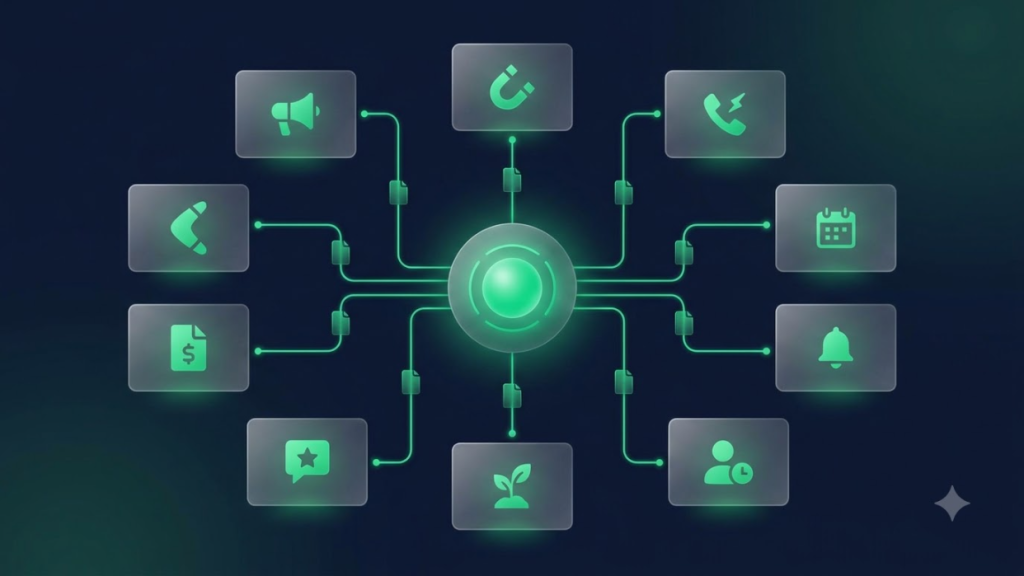
The best automations are the ones that remove repetitive work while improving the customer experience. Instead of trying to automate everything at once, start with the Automations that save the most time and have the biggest impact on your business.
Here are ten GoHighLevel Automations every service business should consider building.
1. New Lead Follow-Up Automation
One of the biggest reasons businesses lose leads is slow response time. A new lead is most engaged immediately after reaching out, so following up quickly can significantly improve your chances of converting them into a customer. You can make this process even more efficient by combining automation with AI Voice Agents to qualify leads and answer common questions.
Trigger
Form Submission – The Automation begins whenever someone submits a contact form, quote request, or consultation form.
Automation
- Send an instant welcome email.
- Deliver an SMS confirming the inquiry was received.
- Notify the appropriate team member.
- Schedule automatic follow-up reminders if the lead hasn’t responded.
Why It Matters
Responding within minutes shows professionalism, builds trust, and helps ensure potential customers don’t move on to a competitor while waiting for a reply.
2. Missed Call Text Back Automation
Every missed call represents a potential opportunity. Instead of letting callers wonder if anyone will respond, this Automation reaches out automatically.
Trigger
Missed Phone Call – The Automation starts whenever an incoming call isn’t answered.
Automation
- Send an instant text message.
- Create a new contact if needed.
- Notify your team about the missed call.
- Begin a follow-up sequence until the customer responds.
Why It Matters
Customers receive an immediate response even when your team is unavailable, increasing the chances of recovering missed opportunities.
3. Appointment Booking Automation
Booking an appointment should automatically trigger the next steps without requiring manual follow-up.
Trigger
Appointment Booked – The Automation begins as soon as a customer schedules an appointment.
Automation
- Send a confirmation email.
- Deliver an SMS confirmation.
- Add the appointment to the calendar.
- Notify the assigned team member.
Why It Matters
Customers receive immediate confirmation while your team stays informed, reducing scheduling errors and improving communication.
4. Appointment Reminder Automation
Missed appointments cost businesses both time and revenue. Automated reminders help customers remember their bookings.
Trigger
Upcoming Appointment – The Automation starts before a scheduled appointment.
Automation
- Send a reminder 24 hours before.
- Send another reminder 2 hours before.
- Request appointment confirmation.
- Follow up if confirmation isn’t received.
Why It Matters
Reminder Automations reduce no-shows, improve attendance, and help keep your schedule running smoothly.
5. No-Show Recovery Automation
Not every missed appointment has to become a lost customer. A recovery Automation encourages customers to rebook instead of disappearing.
Trigger
Missed Appointment – The Automation starts when an appointment is marked as a no-show.
Automation
- Send a polite follow-up email.
- Provide a rescheduling link.
- Send an SMS reminder.
- Notify your team to follow up if necessary.
Why It Matters
Many customers simply forget appointments. A quick follow-up often helps recover bookings that would otherwise be lost.
6. Lead Nurturing Automation
Not every lead is ready to buy immediately. Consistent communication keeps your business top of mind until they’re ready.
Trigger
New Lead Added – The Automation begins whenever a new contact enters your CRM.
Automation
- Send educational emails.
- Schedule occasional SMS check-ins.
- Share helpful resources.
- Invite the lead to book a consultation.
Why It Matters
Lead nurturing builds trust over time and helps convert prospects who may not be ready to make a decision during their first interaction.
7. Review Request Automation
Positive customer reviews strengthen your online reputation and help attract new business.
Trigger
Service Completed – The Automation starts after a job, appointment, or project has been completed.
Automation
- Send a thank-you message.
- Request an online review.
- Send a reminder if no review is received.
- Notify your team when a review is submitted.
Why It Matters
Requesting reviews while the customer experience is still fresh often leads to higher response rates and stronger online credibility.
8. Invoice & Payment Follow-Up Automation
Late payments can affect cash flow. Automating payment reminders helps customers stay on schedule without creating extra work for your team.
Trigger
Invoice Sent – The Automation begins immediately after an invoice is issued.
Automation
- Send a payment reminder.
- Notify customers before the due date.
- Follow up if payment is overdue.
- Send a receipt after payment is received.
Why It Matters
Automated reminders encourage faster payments while reducing the need for manual follow-up.
9. Re-Engagement Automation
Some customers simply become inactive over time. Re-engagement campaigns help bring them back.
Trigger
Inactive Customer – The Automation starts after a customer has been inactive for a specific period.
Automation
- Launch an email campaign.
- Send an SMS reminder.
- Offer a special promotion.
- Invite the customer to book another appointment.
Why It Matters
Reconnecting with existing customers is often easier and more affordable than acquiring new ones.
10. Internal Team Notification Automation
Automation isn’t only for customers. Internal Automations help your team respond quickly and stay organized.
Trigger
Important Customer Activity – The Automation starts whenever a significant customer action occurs, such as submitting a form, making a payment, or moving to a new pipeline stage.
Automation
- Send a Slack notification.
- Deliver an email alert.
- Create a follow-up task.
- Update the appropriate pipeline stage.
Why It Matters
Keeping your team informed in real time improves collaboration, reduces missed tasks, and ensures customers receive timely service.
Industry Automations Examples
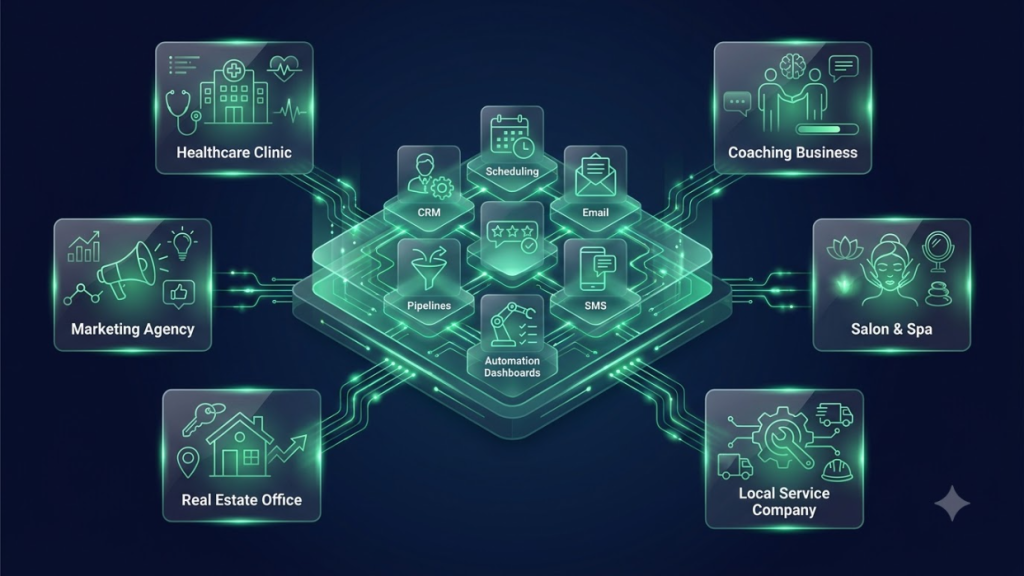
Every service business has a different customer journey, but the goal is the same—save time, improve communication, and create a better customer experience. Here are a few examples of how different industries can use GoHighLevel Automations in their daily operations.
Healthcare Clinics
Healthcare providers handle a large number of appointments, follow-ups, and patient communications every day. Automating these tasks helps reduce administrative work while improving the patient experience.
Appointment Reminders
Automatically send email and SMS reminders before appointments to reduce missed visits.
Patient Follow-Ups
After an appointment, send follow-up messages with care instructions, check-ins, or requests to schedule the next visit.
Review Requests
Ask satisfied patients to leave an online review after their appointment to help build trust and improve your online reputation.
Marketing Agencies
Marketing agencies manage multiple clients, campaigns, and leads simultaneously. Automation helps keep projects organized and ensures consistent communication.
Lead Qualification
Automatically score and organize new leads before assigning them to the sales team.
Client Onboarding
Send welcome emails, collect required information, assign onboarding tasks, and notify team members when a new client signs up.
Monthly Reporting
Automatically send performance reports and campaign summaries to clients on a scheduled basis.
Real Estate
Real estate professionals need to respond quickly to inquiries while staying in regular contact with buyers and sellers.
Property Inquiries
Automatically follow up with people who request property information or schedule viewings.
Showing Reminders
Send appointment confirmations and reminders before property showings.
Follow-Up Campaigns
Continue nurturing buyers and sellers through automated email and SMS campaigns until they’re ready to make a decision.
Coaches & Consultants
Consultants often rely on appointments, proposals, and long-term client relationships.
Discovery Call Booking
Automatically confirm discovery calls and send reminders before the meeting.
Proposal Follow-Up
Follow up automatically after sending proposals to encourage quicker decisions.
Client Onboarding
Welcome new clients with onboarding emails, resource links, and appointment scheduling.
Salons & Spas
Customer retention is one of the biggest priorities for salons and spas, making automation especially valuable.
Appointment Reminders
Reduce missed appointments with automated reminders before each booking.
Rebooking Campaigns
Invite customers to book their next appointment after their previous visit.
Loyalty Offers
Reward returning customers with exclusive offers, discounts, or seasonal promotions.
Local Service Businesses
Businesses such as electricians, plumbers, landscapers, cleaning companies, and contractors can automate many routine customer interactions.
Quote Follow-Ups
Automatically follow up after sending estimates or quotations.
Job Scheduling
Confirm appointments, notify technicians, and remind customers before scheduled work begins.
Customer Reviews
Request reviews after each completed job to strengthen your online reputation and attract new customers.
If you’re unsure whether automation is the next step for your company, check out 5 Signs Your Business Needs GoHighLevel.
Best Practices for Gohighlevel Automations
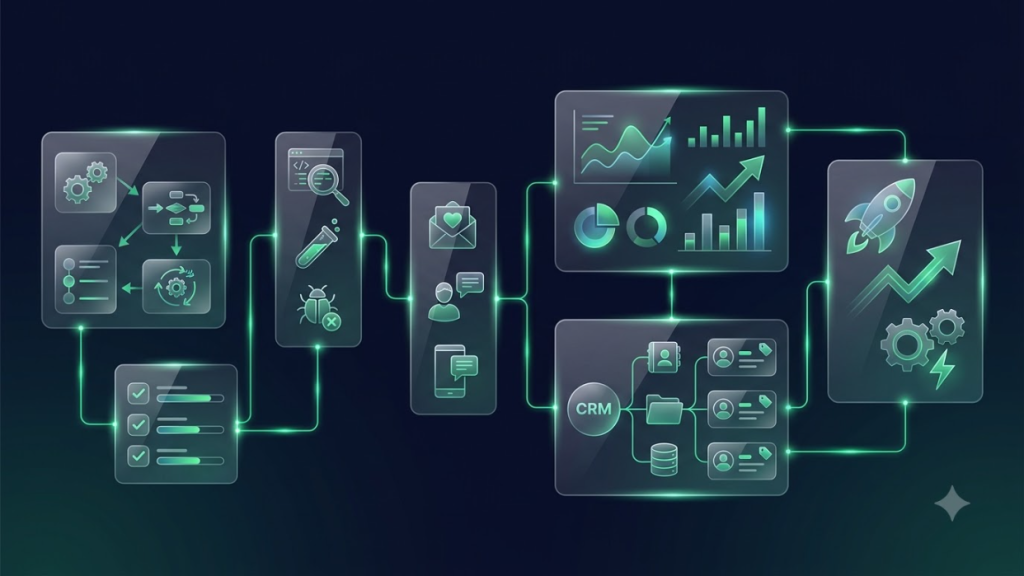
Building Automations is easy, but building effective Automations requires planning. Following a few best practices will help your automations stay organized and deliver better results.
Keep Automations Simple
Start with a clear objective for each Automation. Smaller, focused automations are easier to manage and troubleshoot than one large Automation trying to do everything.
Test Before Publishing
Always test every Automation before making it live. Check emails, SMS messages, triggers, delays, and notifications to make sure everything works exactly as expected.
Avoid Duplicate Automations
Multiple Automations responding to the same trigger can confuse customers and create unnecessary communication. Review your automations regularly to avoid overlap.
Personalize Messages
Use customer names, appointment details, service information, and other personalized content whenever possible. Personalized communication feels more natural and improves engagement.
Review Performance Regularly
Your Automations shouldn’t remain unchanged forever. Review performance, identify bottlenecks, and make improvements as your business grows and customer needs evolve.
These strategies are just one of the 15 Reasons Businesses Choose GoHighLevel to simplify daily operations and improve customer communication.
Common Automation Mistakes
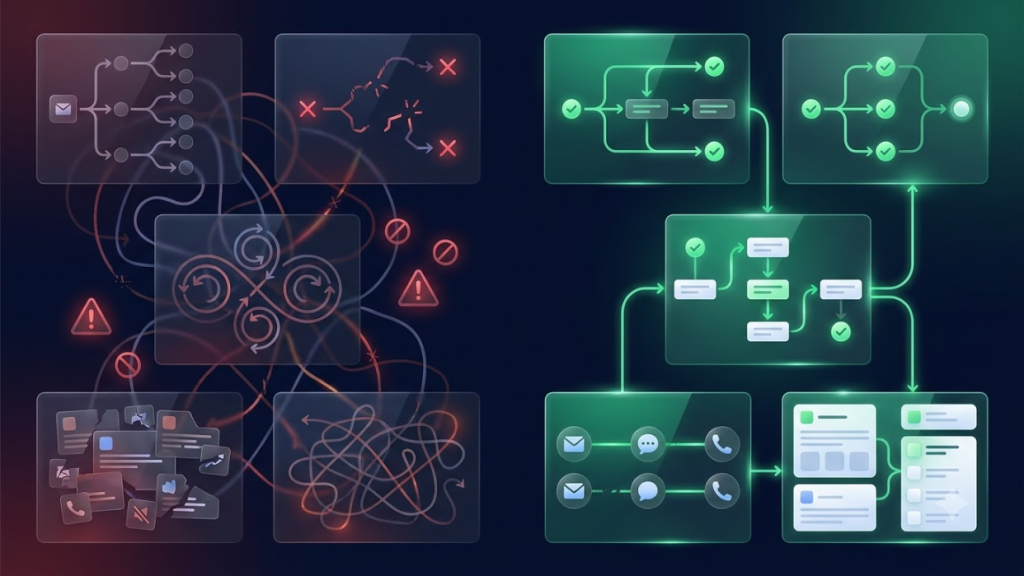
Even well-designed automations can become ineffective if they aren’t maintained. Avoid these common mistakes to keep your Automations running smoothly.
Too Many Automations
Creating dozens of Automations at once can make your account difficult to manage. Focus on the Automations that provide the greatest value before adding more.
Wrong Triggers
Choosing the wrong trigger can cause Automations to start at the wrong time or not run at all. Always verify that each automation begins with the correct event.
No Exit Conditions
Without proper exit conditions, contacts may continue receiving messages after they’ve already booked an appointment or become a customer. Make sure Automations stop when they’ve achieved their goal.
Generic Messaging
Sending the same message to every customer often leads to lower engagement. Customize your communication based on customer actions, interests, or pipeline stage whenever possible.
Never Updating Automations
Businesses change over time, and your Automations should change with them. Review your automations regularly, remove outdated steps, and update messaging to match your current services, campaigns, and customer journey.
If you’re moving from another platform, reading How to Migrate to GoHighLevel can help you avoid many of these common mistakes.
Frequently Asked Questions
What is a GoHighLevel Automation?
A GoHighLevel Automation is an automation that performs specific actions when a trigger occurs. For example, when someone submits a form, books an appointment, or receives a tag, the Automation can automatically send emails, SMS messages, assign tasks, update pipelines, or notify your team.
How do Automations work in GoHighLevel?
Every Automation follows a simple process. It starts with a trigger, checks any conditions you’ve set, performs one or more actions, and can include delays or goals to control what happens next. This allows repetitive tasks to run automatically without manual effort.
Can I automate SMS and email together?
Yes. GoHighLevel allows you to combine email and SMS within the same Automation. For example, you can send an instant confirmation email, follow it with a text message, and continue the conversation through automated follow-ups.
Do Automations work with AI Voice Agents?
Yes. GoHighLevel Automations can work alongside AI Voice Agents. For example, an Automation can trigger an AI Voice Agent to call a lead, answer common questions, qualify prospects, or help schedule appointments.
Can Automations book appointments automatically?
Yes. Automations can send booking links, confirm appointments, send reminders, update calendars, and trigger follow-up messages before and after scheduled appointments.
How many Automations can I create?
There isn’t a fixed number of Automations that every business should create. The right number depends on your business processes and customer journey. It’s usually better to start with a few well-organized Automations and expand as your business grows.
Which Automation should I build first?
Most service businesses should begin with a New Lead Follow-Up Automation. Responding quickly to new inquiries helps improve customer engagement and reduces the chances of losing leads to competitors.
Do GoHighLevel Automations require coding?
No. GoHighLevel uses a visual Automation builder, allowing you to create automations using triggers, conditions, and actions without writing code.
Final Thoughts
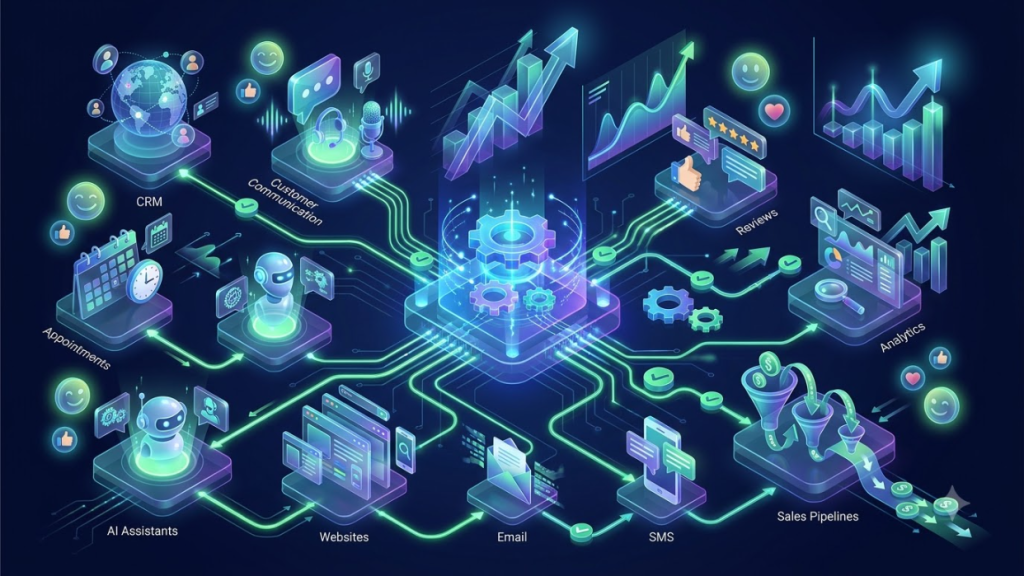
Automation isn’t about replacing people—it’s about giving your team more time to focus on meaningful customer interactions instead of repetitive administrative work.
By automating routine tasks like lead follow-ups, appointment reminders, review requests, payment reminders, and customer communication, service businesses can respond faster, stay organized, and provide a more consistent experience from the first inquiry to long-term customer relationships.
The best approach is to start small. Build one or two essential Automations, test them carefully, and continue improving them as your business grows. Over time, these automations can save countless hours, reduce missed opportunities, and help your business operate more efficiently every day.
If you’re still comparing platforms, our detailed GoHighLevel vs HubSpot guide can help you decide which CRM is the better fit for your business and if you’re still deciding whether the platform is right for your business, reviewing GoHighLevel Pricing can help you choose the most suitable plan before building automations.
Need Help Building GoHighLevel Automations?
Every service business operates differently, which means there isn’t a single Automation that works for everyone.
Before building your automations, take time to map your customer journey, identify repetitive tasks, and determine where automation will have the greatest impact. A well-planned Automation strategy helps your team stay organized, improves customer communication, and creates a smoother experience at every stage of the customer lifecycle.
As your business grows, you can continue refining your Automations to support new services, larger teams, and changing customer needs—ensuring your automation grows right alongside your business.