
As businesses grow, so do the systems they rely on. What may have started with a single CRM or marketing tool often turns into a collection of separate platforms for email marketing, sales funnels, customer communication, appointment scheduling, and automation. While each tool may work well on its own, managing them together can become time-consuming, expensive, and difficult to scale.
Many businesses reach a point where they begin looking for a platform that can simplify their operations without sacrificing functionality. That’s one of the reasons why GoHighLevel has become a popular choice. By bringing CRM, marketing automation, sales funnels, websites, email, SMS, and customer communication into one platform, it helps businesses reduce software complexity and streamline their daily workflows.
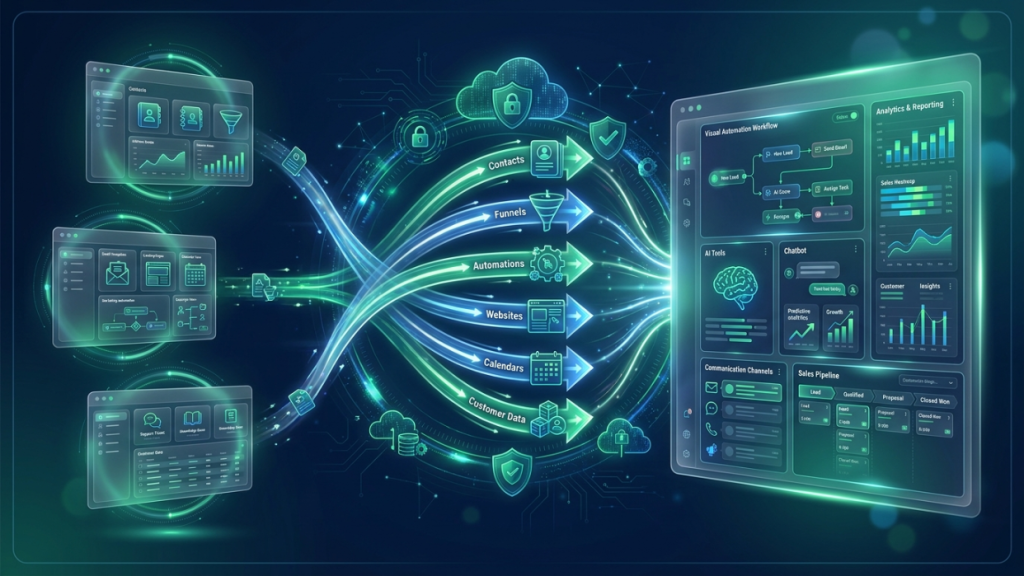
Migrating to a new platform, however, isn’t something that should be rushed. A successful migration to GoHighLevel requires careful planning to ensure your contacts, automations, funnels, and customer data are transferred correctly while minimizing disruption to your business.
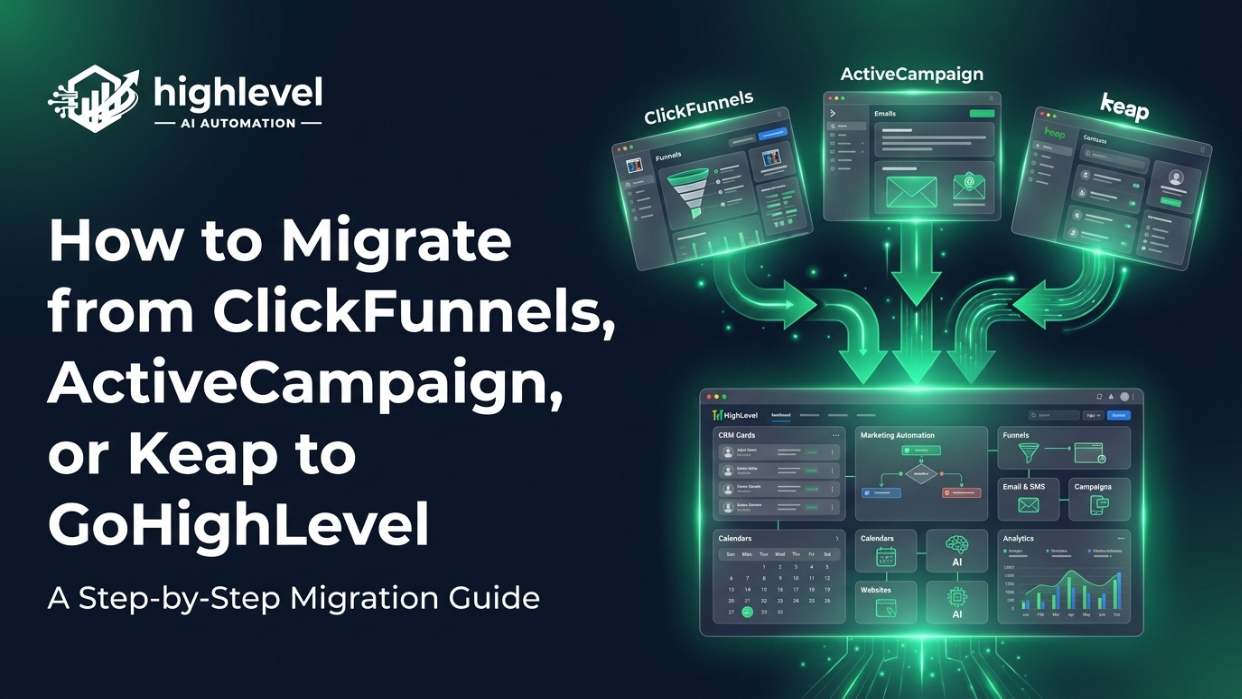
In this guide, we’ll walk you through the migration process from ClickFunnels, ActiveCampaign, or Keap to GoHighLevel. You’ll learn what can be migrated, how to prepare for the transition, common mistakes to avoid, and practical steps to make the move as smooth as possible.
What You’ll Discover
In this guide, you’ll learn:
- Why businesses are switching from ClickFunnels, ActiveCampaign, or Keap to GoHighLevel.
- What data, assets, and customer information you can migrate.
- A step-by-step process for moving to GoHighLevel with confidence.
- Common migration mistakes and how to avoid them.
- Practical tips for ensuring a smooth transition with minimal downtime.
Let’s start by exploring why more businesses are moving from ClickFunnels, ActiveCampaign, and Keap to GoHighLevel, and what makes the migration worthwhile.
Why Businesses Are Moving to GoHighLevel
Businesses don’t usually change platforms without a good reason. In many cases, the decision comes after realizing that managing multiple tools has become more expensive and less efficient than using a single, connected system.
Let’s look at some of the most common reasons businesses make the switch.
Common Reasons for Switching
Too Many Software Subscriptions
Many businesses use one platform for CRM, another for email marketing, another for funnels, and additional tools for scheduling, SMS, or automation. Managing multiple subscriptions can quickly become expensive and difficult to maintain.
Rising Monthly Costs
As businesses grow, subscription costs often increase. Paying for several platforms every month can add up, especially when many features overlap.
Multiple Disconnected Tools
When customer information is spread across different systems, teams spend more time switching between applications and less time serving customers. Disconnected tools can also lead to duplicate work and inconsistent data.
Limited Automation
As customer volumes increase, manual processes become harder to manage. Businesses often look for more advanced automation to improve follow-ups, lead nurturing, appointment reminders, and customer communication.
Scaling Challenges
Software that works well for a small business may not provide the flexibility needed as the company grows. Expanding teams, increasing lead volumes, and more complex workflows often require a platform that can scale alongside the business.
Benefits of an All-in-One Platform
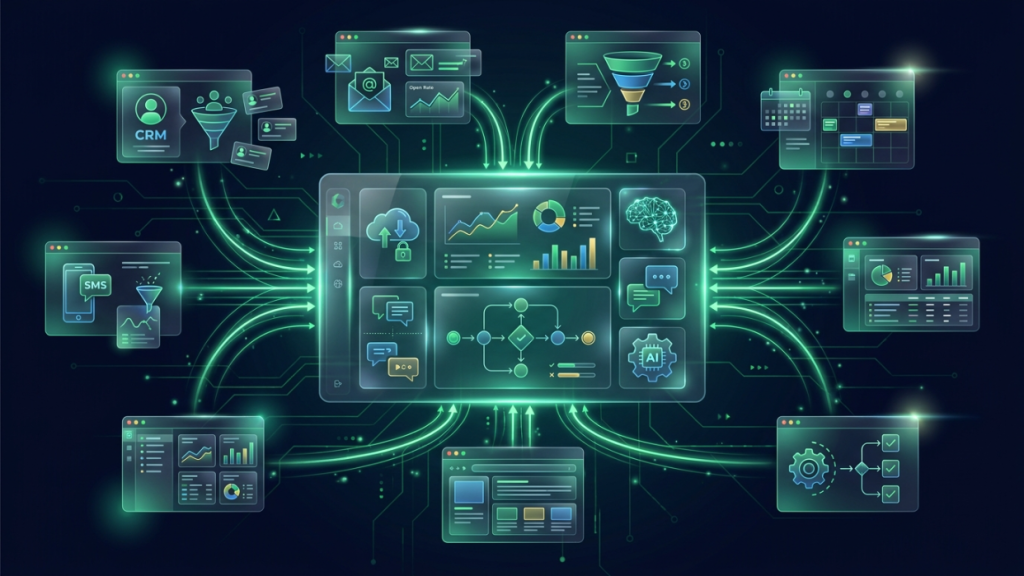
One of GoHighLevel’s biggest advantages is that it combines several essential business tools into a single platform, reducing the need to manage multiple applications.
CRM
Manage contacts, leads, customer interactions, and sales opportunities from one centralized dashboard.
Marketing Automation
Automate repetitive tasks such as lead nurturing, follow-ups, appointment reminders, and customer journeys.
Email Marketing
Create newsletters, promotional campaigns, and automated email sequences without relying on separate email marketing software.
SMS Marketing
Send text message campaigns, automate reminders, and communicate with customers through built-in SMS functionality.
Website Builder
Build professional business websites using drag-and-drop tools without needing additional website platforms.
Funnel Builder
Design landing pages, lead generation funnels, booking pages, and sales funnels to support your marketing campaigns.
Appointment Scheduling
Allow customers to book appointments online while automatically sending confirmations and reminders.
AI Tools
Use AI-powered features to assist with customer conversations, automate responses, qualify leads, and improve business efficiency.
Reporting
Track campaign performance, monitor sales pipelines, measure marketing results, and gain insights from centralized reporting dashboards.
By bringing these capabilities together, GoHighLevel helps businesses simplify their technology stack, improve team efficiency, and create a more connected experience for both employees and customers.
Before You Start the Migration
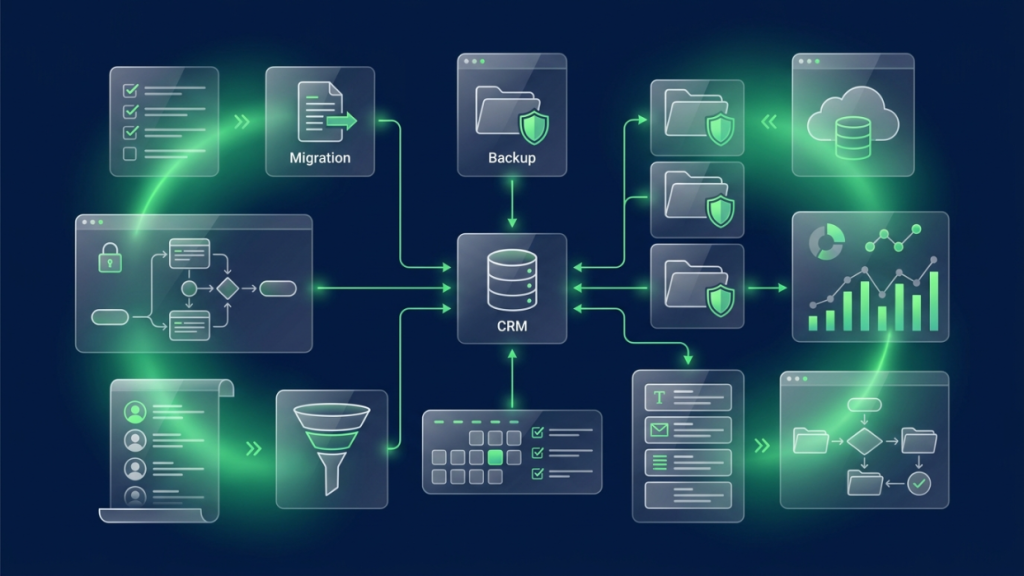
A successful migration begins long before you import your first contact or rebuild your first funnel. Taking time to review your current setup, organize your data, and create backups can prevent unnecessary issues later.
Whether you’re moving from ClickFunnels, ActiveCampaign, or Keap, a little preparation goes a long way toward ensuring a smooth transition.
Audit Your Current Setup
Before moving to GoHighLevel, take inventory of everything you’re currently using. This helps you understand what needs to be migrated and what can be left behind.
Review the following areas:
Contacts
Check the quality of your contact database. Make sure customer information is accurate and identify any outdated or incomplete records.
Pipelines
Review your existing sales pipelines and note how opportunities move through each stage. This will make it easier to recreate them in GoHighLevel.
Automations
List all the automations your business relies on, including lead nurturing, follow-up sequences, appointment reminders, and internal notifications.
Funnels
Identify every active sales funnel, landing page, and campaign that’s still generating leads or sales.
Landing Pages
Review standalone landing pages and decide which ones should be recreated or improved after migration.
Forms
Document all lead capture forms, surveys, quizzes, and booking forms connected to your current platform.
Calendars
Take note of appointment calendars, booking availability, and scheduling rules that need to be transferred.
Email Templates
Collect all email templates, newsletters, and automated email sequences you’ll continue using after migration.
Workflows
Map out your customer journeys so you understand how leads move from first contact to becoming customers.
Clean Your Data
Migrating unnecessary or outdated information only makes your new CRM harder to manage. Before importing anything into GoHighLevel, take the opportunity to clean your database.
Remove Duplicate Contacts
Merge or delete duplicate records to keep your CRM organized and avoid sending duplicate communications.
Update Missing Information
Fill in missing names, phone numbers, email addresses, or other important customer details wherever possible.
Archive Inactive Leads
Separate inactive or outdated contacts from active prospects so your new CRM starts with clean, relevant data.
Organize Tags
Review your tagging system and remove outdated or inconsistent tags that are no longer useful.
Review Custom Fields
Make sure your custom fields are still relevant and decide which ones should be recreated in GoHighLevel.
Back Up Everything
Before making any major changes, create backups of your existing data. Even if your migration goes smoothly, having copies of your information provides peace of mind.
Export Contacts
Download your complete contact database as a CSV or supported export format.
Download Funnels
Save copies of all active funnels, landing pages, and related assets.
Save Email Templates
Export or copy important email templates, automated campaigns, and newsletters.
Export Reports
Download key performance reports and analytics so you have historical data available after migration.
Document Automations
Create a record of every automation, trigger, workflow, and integration currently running. This makes rebuilding them much easier once you’re inside GoHighLevel.
Migrating from ClickFunnels to GoHighLevel
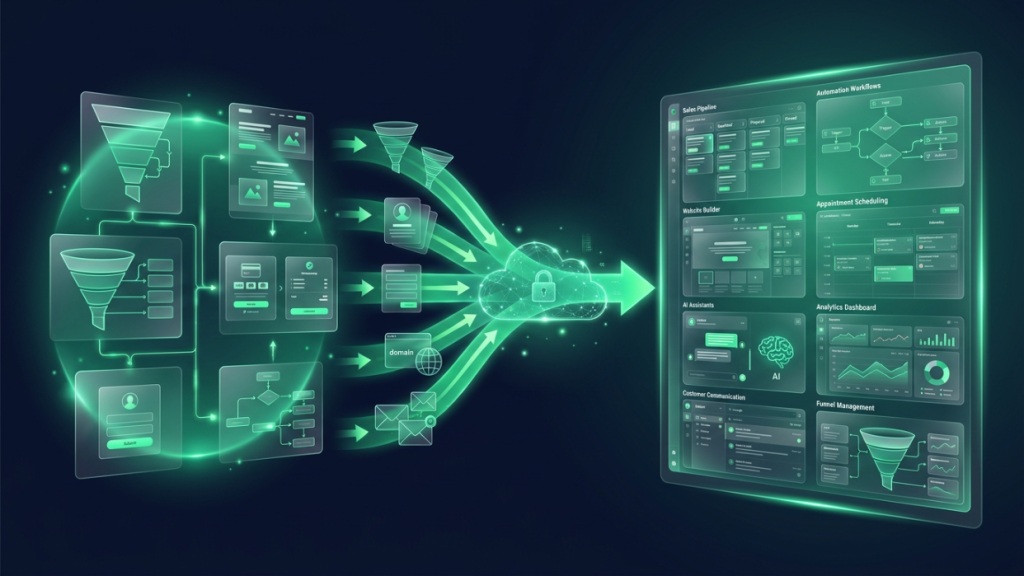
ClickFunnels is widely used for building sales funnels and landing pages, while GoHighLevel combines funnel building with CRM, automation, email, SMS, appointment scheduling, and customer communication. Migrating allows businesses to centralize these functions within a single platform.
Here’s what you can move and how to approach the migration.
What You Can Migrate
Most businesses can transfer or recreate the following assets:
Funnels
Sales funnels, opt-in funnels, webinar funnels, and lead generation funnels can be rebuilt using GoHighLevel’s funnel builder.
Landing Pages
Landing pages can be recreated while maintaining your branding, layouts, and lead capture elements.
Forms
Lead forms, contact forms, surveys, and booking forms can be rebuilt using GoHighLevel’s form builder.
Contacts
Customer databases, leads, and prospect lists can be imported using CSV files.
Domains
Existing custom domains can be connected to GoHighLevel after updating the required DNS settings.
Email Integrations
Email services and sending domains can be configured within GoHighLevel to continue running email campaigns and automated sequences.
Migration Steps
Following a structured process helps reduce downtime and minimizes the risk of missing important assets.
Export Funnel Assets
Download or export all active funnel pages, images, branding assets, and supporting files from ClickFunnels.
Rebuild or Import Pages
Recreate your landing pages and funnels inside GoHighLevel. Take this opportunity to improve layouts, update content, or optimize conversions if needed.
Import Contacts
Import your customer database into GoHighLevel and verify that tags, custom fields, and contact information have transferred correctly.
Configure Domains
Connect your custom domains and test SSL certificates, page URLs, and redirects before publishing your funnels.
Test Every Funnel
Before going live, complete a full test of every funnel. Check forms, automations, email notifications, payment pages, thank-you pages, and tracking scripts to ensure everything works as expected.
Common Challenges
Every migration has unique requirements, and some features may require additional attention during the transition.
Custom Code
Pages that rely on custom HTML, CSS, or JavaScript may need manual adjustments after being recreated in GoHighLevel.
Third-Party Integrations
Review any external tools connected to ClickFunnels, such as payment gateways, webinar platforms, or CRM integrations, and reconnect them where necessary.
Tracking Pixels
Don’t forget to reinstall tracking codes such as Google Analytics, Google Tag Manager, Meta Pixel, or other advertising pixels after migration.
Funnel Styling
Although GoHighLevel provides a powerful page builder, some fonts, spacing, animations, or design elements may require small adjustments to closely match your original ClickFunnels pages. Taking time to review each page before launch helps ensure a consistent user experience.
Migrating from ActiveCampaign to GoHighLevel
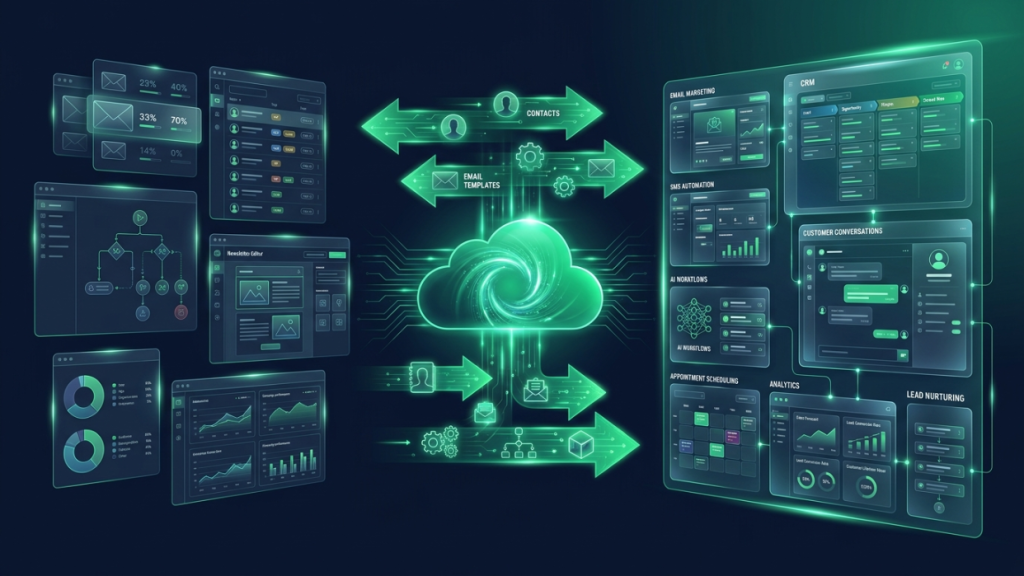
ActiveCampaign is well known for its email marketing and automation capabilities, while GoHighLevel combines those features with CRM, SMS marketing, websites, funnels, appointment scheduling, and customer communication. Migrating to GoHighLevel allows businesses to manage these functions from a single platform instead of relying on multiple tools.
Here’s what you can migrate and how to approach the process.
What You Can Migrate
Most businesses can transfer or recreate the following assets:
Contacts
Customer and lead databases can be exported from ActiveCampaign and imported into GoHighLevel using CSV files.
Lists
Email lists and customer segments can be recreated using smart lists, tags, and filters within GoHighLevel.
Tags
Existing tags can usually be imported to help organize contacts and maintain your segmentation strategy.
Email Templates
Email templates and campaign designs can be recreated inside GoHighLevel for future marketing campaigns and automated sequences.
Automations
Most automation workflows can be rebuilt using GoHighLevel’s visual workflow builder, including lead nurturing, follow-ups, reminders, and customer journeys.
Custom Fields
Custom fields containing customer information can be recreated to ensure important business data remains organized after migration.
Migration Steps
Following a structured migration process helps minimize disruption to your marketing activities.
Export Contacts
Export your contacts, tags, custom fields, and other customer information from ActiveCampaign.
Import Customer Lists
Import your contact database into GoHighLevel and verify that fields, tags, and customer details have been mapped correctly.
Recreate Automations
Build your email sequences, lead nurturing campaigns, internal notifications, and follow-up workflows using GoHighLevel’s automation builder.
Configure Email Sending
Set up your sending domain, email provider, and authentication settings to ensure emails are delivered successfully.
Test Campaigns
Before launching your campaigns, send test emails, verify automation triggers, and confirm that contacts move through workflows as expected.
Common Challenges
Every migration is different, and some features may require additional attention during the transition.
Complex Automations
Advanced automation workflows often need to be rebuilt manually, especially if they include multiple conditions, goals, or branching logic.
Segmentation Differences
Lists and segmentation rules may work differently in GoHighLevel, so review your audience filters carefully after importing contacts.
Email Deliverability
Properly configure SPF, DKIM, and other authentication records to maintain good email deliverability after switching platforms.
Custom Fields
Review all imported custom fields to ensure customer information is mapped correctly and remains accessible within your CRM.
Migrating from Keap to GoHighLevel
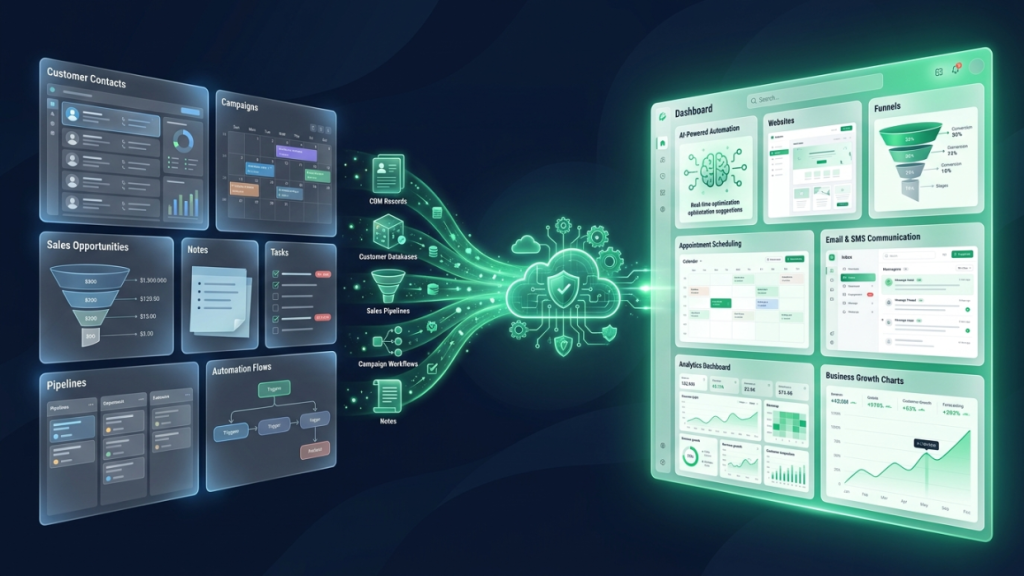
Keap combines CRM, sales automation, and marketing tools for small businesses. When moving to GoHighLevel, businesses can centralize these functions while gaining additional features such as websites, funnels, SMS marketing, AI tools, and integrated customer communication.
Here’s what you can migrate and how to approach the process.
What You Can Migrate
Most businesses can transfer or recreate the following assets:
Contacts
Customer records, prospects, and contact details can be exported and imported into GoHighLevel.
Opportunities
Sales opportunities can be recreated inside GoHighLevel’s customizable sales pipelines.
Pipelines
Existing pipeline stages can be rebuilt to match your current sales process.
Campaigns
Marketing campaigns and automation sequences can be recreated using GoHighLevel’s workflow builder.
Notes
Customer notes can be exported and preserved as part of your CRM records whenever possible.
Tasks
Open tasks and reminders can be recreated to help your team continue working without interruption.
Migration Steps
A structured migration process helps reduce errors and ensures nothing important is overlooked.
Export Customer Database
Download your contacts, notes, opportunities, tasks, and related CRM information from Keap.
Import CRM Data
Import contacts into GoHighLevel and verify that all customer information has been transferred correctly.
Build Pipelines
Recreate your sales pipelines, opportunity stages, and deal management process inside GoHighLevel.
Recreate Campaigns
Rebuild email campaigns, follow-up sequences, appointment reminders, and customer automations using GoHighLevel workflows.
Verify Workflows
Test every automation, trigger, form submission, and notification before making GoHighLevel your primary platform.
Common Challenges
Migrating from Keap may require additional planning depending on the complexity of your CRM setup.
Campaign Logic
Complex campaign sequences often need to be recreated manually to match the original customer journey.
Opportunity Stages
Review each pipeline stage carefully to ensure opportunities continue moving through the correct sales process.
Custom Objects
Some custom CRM structures may require alternative configurations within GoHighLevel.
Automation Mapping
Automation triggers and workflow logic should be tested thoroughly to confirm they produce the expected results after migration.
Migration Checklist
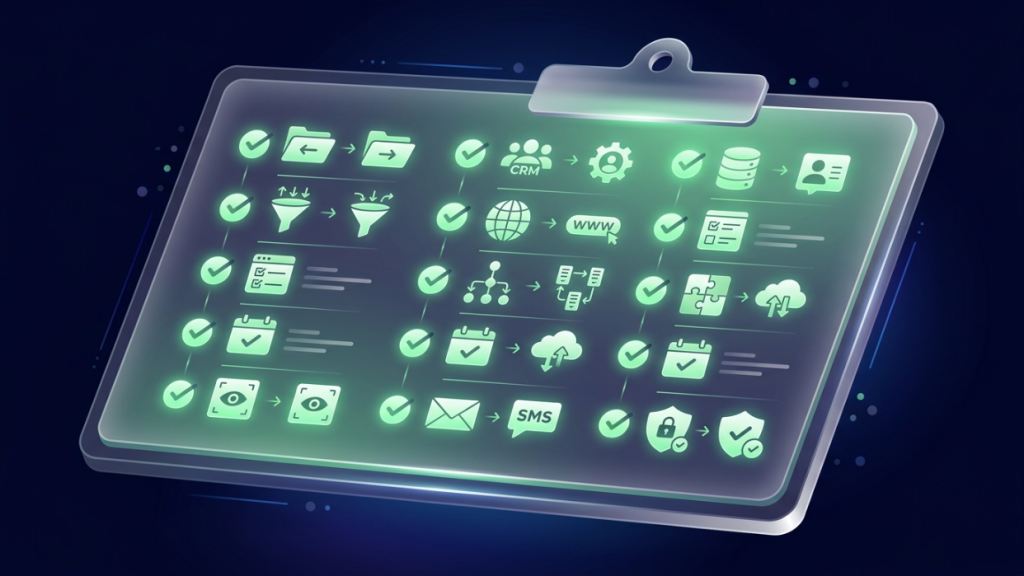
Before switching your business to GoHighLevel, use this checklist to confirm that every important asset has been migrated successfully.
- Contacts
- Custom Fields
- Tags
- Pipelines
- Funnels
- Landing Pages
- Email Templates
- SMS Templates
- Automations
- Calendars
- Forms
- Domains
- Integrations
- Tracking Pixels
Completing each item before going live helps reduce the risk of missing customer data or interrupting important business processes.
Common Migration Mistakes to Avoid
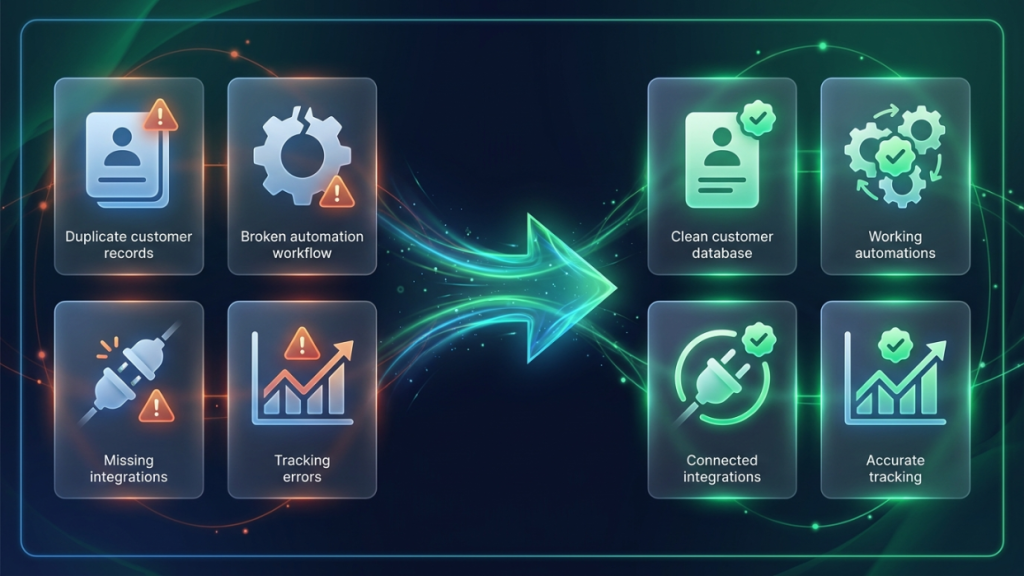
Even well-planned migrations can run into problems if important steps are overlooked. Avoiding these common mistakes can save time and prevent unnecessary disruptions.
Migrating Without a Plan
Jumping into a migration without documenting your existing setup often leads to missed assets, incomplete automations, and unnecessary delays. Create a migration checklist before making any changes.
Importing Poor-Quality Data
Old, duplicate, or incomplete contact records can make your new CRM difficult to manage. Take time to clean your database before importing it into GoHighLevel.
Rebuilding Everything at Once
Trying to migrate every funnel, automation, and campaign in a single day can quickly become overwhelming. Instead, prioritize your most important assets and migrate in manageable phases.
Forgetting to Test Automations
Never assume workflows will function exactly as expected after migration. Test forms, emails, SMS messages, appointment reminders, notifications, and automation triggers before your new system goes live.
Cancelling Your Old Platform Too Early
Keep your previous platform active until you’ve confirmed that all contacts, campaigns, automations, and customer journeys are working correctly in GoHighLevel. Waiting until everything has been thoroughly tested provides an extra layer of security and helps ensure a smooth transition.
How Long Does Migration Usually Take?

The time required to migrate to GoHighLevel depends on the size of your business, the amount of data you have, and how complex your current setup is. Businesses with a simple CRM and a few automations can complete the process much faster than those managing multiple funnels, campaigns, and client accounts.
Here are some general timelines to help you plan your migration.
Small Businesses
Estimated Timeline: 1–2 weeks
Small businesses with a limited number of contacts, basic automations, and a few landing pages can usually complete their migration within a couple of weeks.
Typical migration tasks include:
- Importing contacts
- Setting up pipelines
- Rebuilding landing pages
- Configuring email and SMS
- Testing automations
Growing Businesses
Estimated Timeline: 2–4 weeks
Businesses managing multiple marketing campaigns, sales pipelines, and larger customer databases often need additional time to recreate workflows and verify that everything functions correctly.
Typical migration tasks include:
- Importing larger contact databases
- Rebuilding multiple automations
- Migrating websites and funnels
- Connecting integrations
- Team training and testing
Agencies
Estimated Timeline: 4–8 weeks
Marketing agencies managing multiple client accounts usually require the most planning. Each client may have unique funnels, automations, branding, and integrations that need to be recreated carefully.
Typical migration tasks include:
- Multiple client migrations
- White-label setup
- Client-specific workflows
- Domains and integrations
- Quality assurance and client testing
The goal isn’t simply to migrate quickly—it’s to migrate accurately. Taking extra time to test your setup can prevent costly issues later.
Tips for a Smooth Migration
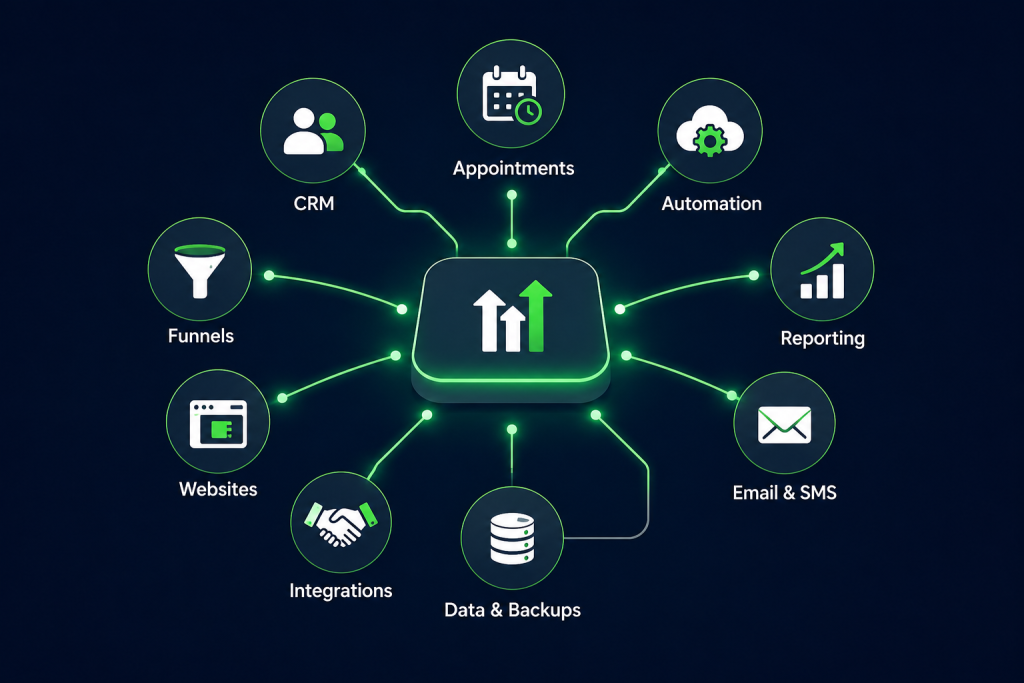
A successful migration isn’t just about moving data—it’s about making sure your business continues operating without interruption. These best practices can help make the transition easier.
Migrate in Phases
Rather than moving everything at once, start with your most important assets, such as contacts, CRM pipelines, and essential automations. Once those are working correctly, migrate additional funnels, campaigns, and templates.
Test Before Going Live
Before directing customers to your new platform, thoroughly test every form, landing page, automation, appointment calendar, email sequence, SMS workflow, and integration. Identifying issues early helps avoid disruptions after launch.
Train Your Team
Even the best platform takes time to learn. Make sure your team understands how to manage contacts, update pipelines, use workflows, and communicate with customers inside GoHighLevel before making it your primary system.
Keep Your Old Platform Active During Transition
Don’t cancel your existing CRM immediately after migration. Keeping it active for a short period allows you to verify that all customer data, automations, and campaigns have transferred successfully before fully switching over.
Monitor Performance After Launch
Once your migration is complete, continue monitoring your funnels, automation workflows, email deliverability, SMS campaigns, appointment bookings, and CRM activity. Regular reviews during the first few weeks help identify and resolve any unexpected issues quickly.
Frequently Asked Questions
Can I migrate my contacts to GoHighLevel?
Yes. Contacts can typically be exported from ClickFunnels, ActiveCampaign, Keap, and many other CRM platforms as CSV files before being imported into GoHighLevel. Be sure to review your data after importing to ensure custom fields and tags are mapped correctly.
Can I import my ClickFunnels funnels?
While ClickFunnels funnels aren’t directly imported with a single click, they can be recreated in GoHighLevel using its funnel builder. Many businesses also use the migration as an opportunity to improve page design and optimize conversions.
Does GoHighLevel migrate ActiveCampaign automations?
Automations are not transferred automatically. However, most workflows—including email sequences, follow-ups, lead nurturing campaigns, and internal notifications—can be recreated using GoHighLevel’s visual automation builder.
Can I move my Keap CRM data?
Yes. Contacts, opportunities, notes, tasks, and much of your CRM data can be exported from Keap and imported into GoHighLevel. Some advanced automations and custom objects may need to be rebuilt manually.
Will I lose my email history?
Historical email records generally don’t transfer directly between platforms. If maintaining historical communication is important, consider exporting or archiving your email data before completing the migration.
How long does migration take?
The timeline depends on the size and complexity of your business. Small businesses may complete the process in one to two weeks, while larger businesses and agencies can take several weeks to fully migrate and test their systems.
Should I cancel my old platform immediately?
No. It’s best to keep your previous platform active until you’ve confirmed that your contacts, automations, funnels, and integrations are working correctly in GoHighLevel. This reduces the risk of losing important business data or interrupting customer communication.
Can I migrate everything myself?
Many businesses can handle a basic migration on their own, especially if they have a straightforward setup. However, businesses with complex automations, multiple funnels, or large customer databases may benefit from working with an experienced GoHighLevel consultant or implementation partner.
Final Thoughts
Migrating from ClickFunnels, ActiveCampaign, or Keap to GoHighLevel is more than just moving data, it’s an opportunity to simplify your business operations and create a more connected system for managing customers, marketing, and sales.
The key to a successful migration is preparation. By auditing your current setup, cleaning your data, creating backups, and migrating in phases, you can reduce downtime and make the transition much smoother. Testing your workflows before going live and giving your team time to adapt will also help ensure long-term success.
GoHighLevel brings together CRM, marketing automation, funnels, websites, email, SMS, appointment scheduling, and AI-powered tools in one platform. For businesses looking to reduce software complexity and improve efficiency, a well-planned migration can provide a solid foundation for future growth.
Need Help Migrating to GoHighLevel?
Every business has a unique setup, so there’s no one-size-fits-all migration strategy. Before making the switch, review your current tools, identify your essential workflows, and prioritize the assets that are most important to your day-to-day operations.
With careful planning and thorough testing, you can move to GoHighLevel with confidence, minimize disruption, and start taking advantage of an all-in-one platform designed to support your business as it continues to grow.